
Make your Overwatch career profile public
Show your Overwatch competitive rank, games, win rate and KDA on your card instead of Career profile private.
For players · 4 steps
What you need first
- You play Overwatch, and your Games card on your profile says Career profile private.
- Your BattleTag and your career link are on your profile and a team you play for has verified them — see Add your Overwatch career link.
- You can open Overwatch on the device you play on. Steps 1 to 3 are in the game, so they have no pictures here.
Steps
Step 1: Open Options in Overwatch
Start Overwatch and open Options.
You should see: the game's options, with tabs along the top.
Step 2: Open the Social tab
Open the Social tab.
You should see: the social options, with Career Profile Visibility among them.
Step 3: Set Career Profile Visibility to Public
Set Career Profile Visibility to Public.
Overwatch keeps every career profile private until you change this. Spawnfront reads your competitive rank in each role, your games, win rate, KDA and the heroes you play most — never your damage or healing — and only once a team you play for has verified your BattleTag and career link.
You should see: Career Profile Visibility set to Public in the game.
Step 4: Check your card after the next read
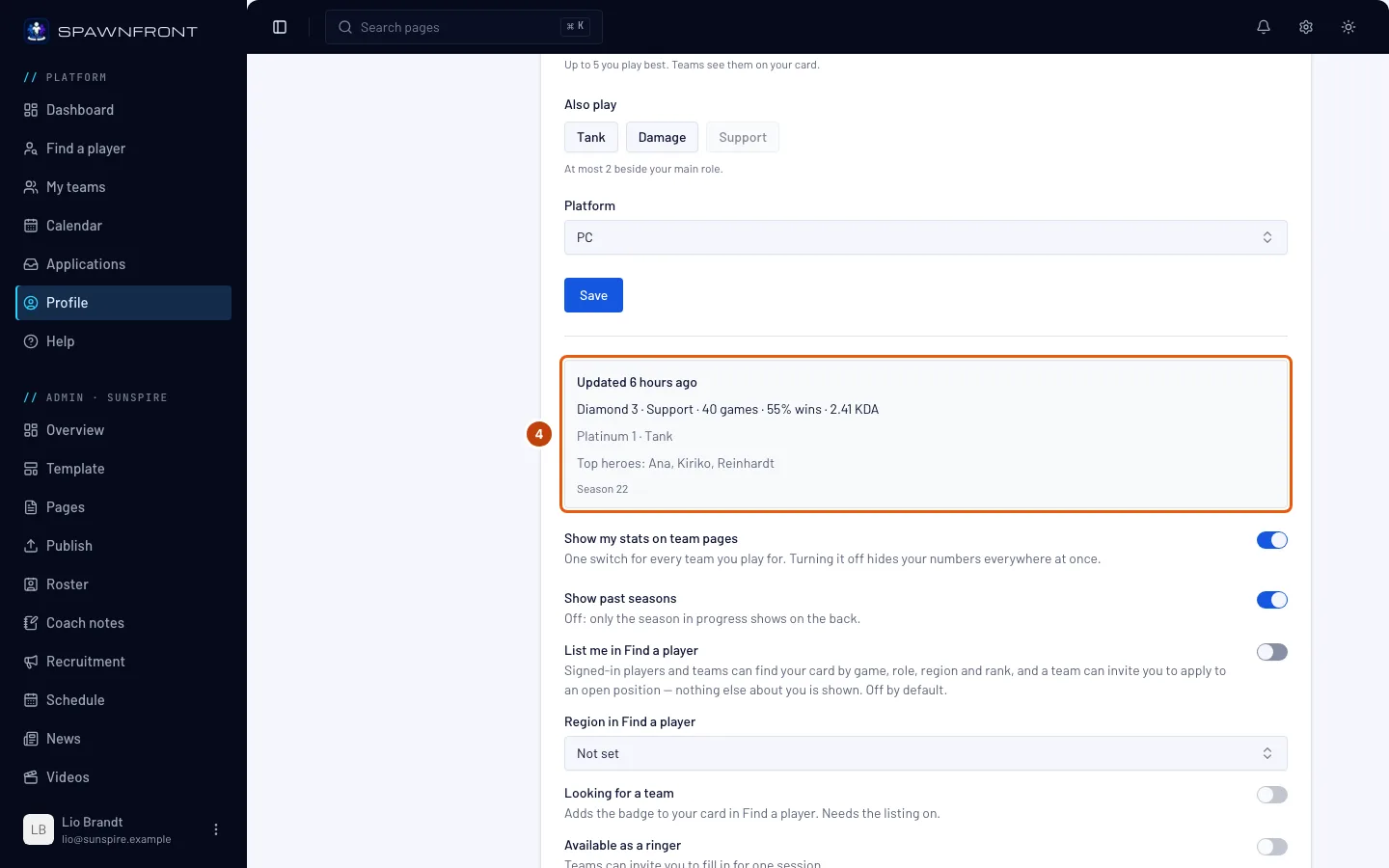
Your stats are read once a day on a team with a site, once a week on a free team — the line under the steps on your card says which. Wait for that read. Then, on Spawnfront, press Profile in the menu, Games in the section list, then the Overwatch tab.
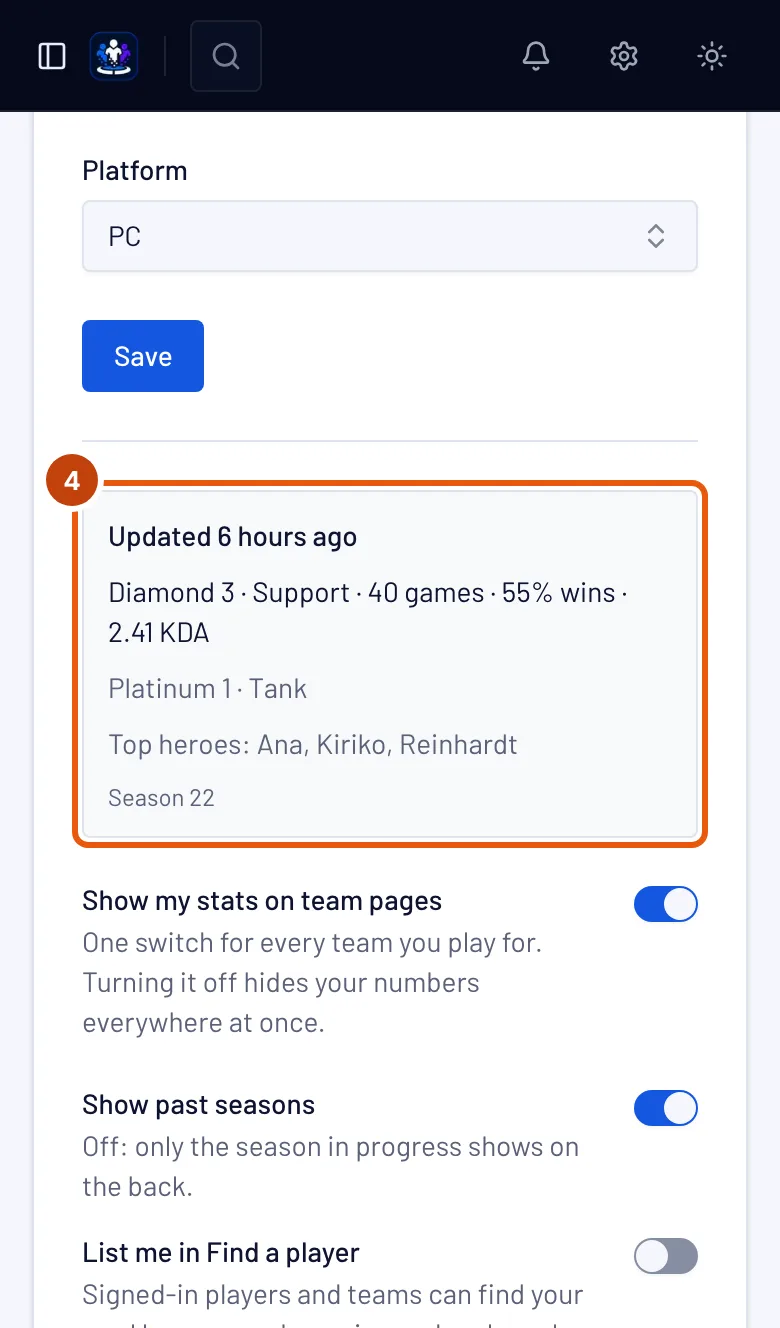
You should see: the box under the form reads Updated with how long ago, then your rank — for example Diamond 3 · Support — your competitive games, win rate and KDA. Teams you play for show the same numbers while Show my stats on team pages is on.
How to know it worked
- Your Overwatch card no longer says Career profile private.
- It reads Updated with your rank and numbers.
Something doesn't look right?
It still says "Career profile private"
The next read has not happened since you changed the setting: it comes once a day on a team with a site, once a week on a free team. Check again after it, and make sure you changed it on the Battle.net account whose career is linked on your profile.
It says "Your team verifies your BattleTag"
Nobody has verified your BattleTag yet, so nothing is read. Ask an owner or admin of your team to press Verify on your row of the team's Roster page.
It says "No competitive games yet"
Your career profile is public, but you have played no competitive game this season on the platform your profile names. Spawnfront shows competitive numbers only; quick play does not count.
I don't want my career profile public
Leave it private. Your card says Career profile private and shows no numbers; teams still see your BattleTag, roles and platform.
Related articles
Still stuck? Contact support or email support@spawnfront.com — tell us the page you're on and the step number.