
Connect your Battle.net account
Sign in with Battle.net from your Overwatch card so your Overwatch account is set up with your real BattleTag; Spawnfront never sees your password.
For players · 5 steps
What you need first
- You play Overwatch and have a Battle.net account. You don't need to have saved an Overwatch card yet — connecting sets it up.
- Step 3 happens on Blizzard's Battle.net site, so it has no picture here. Spawnfront never sees your Battle.net password.
Steps
Step 1: Open Games and the Overwatch tab
Press Profile in the menu, Games in the section list, then the Overwatch tab.
You should see: your Overwatch card, with Connect Battle.net under the form.
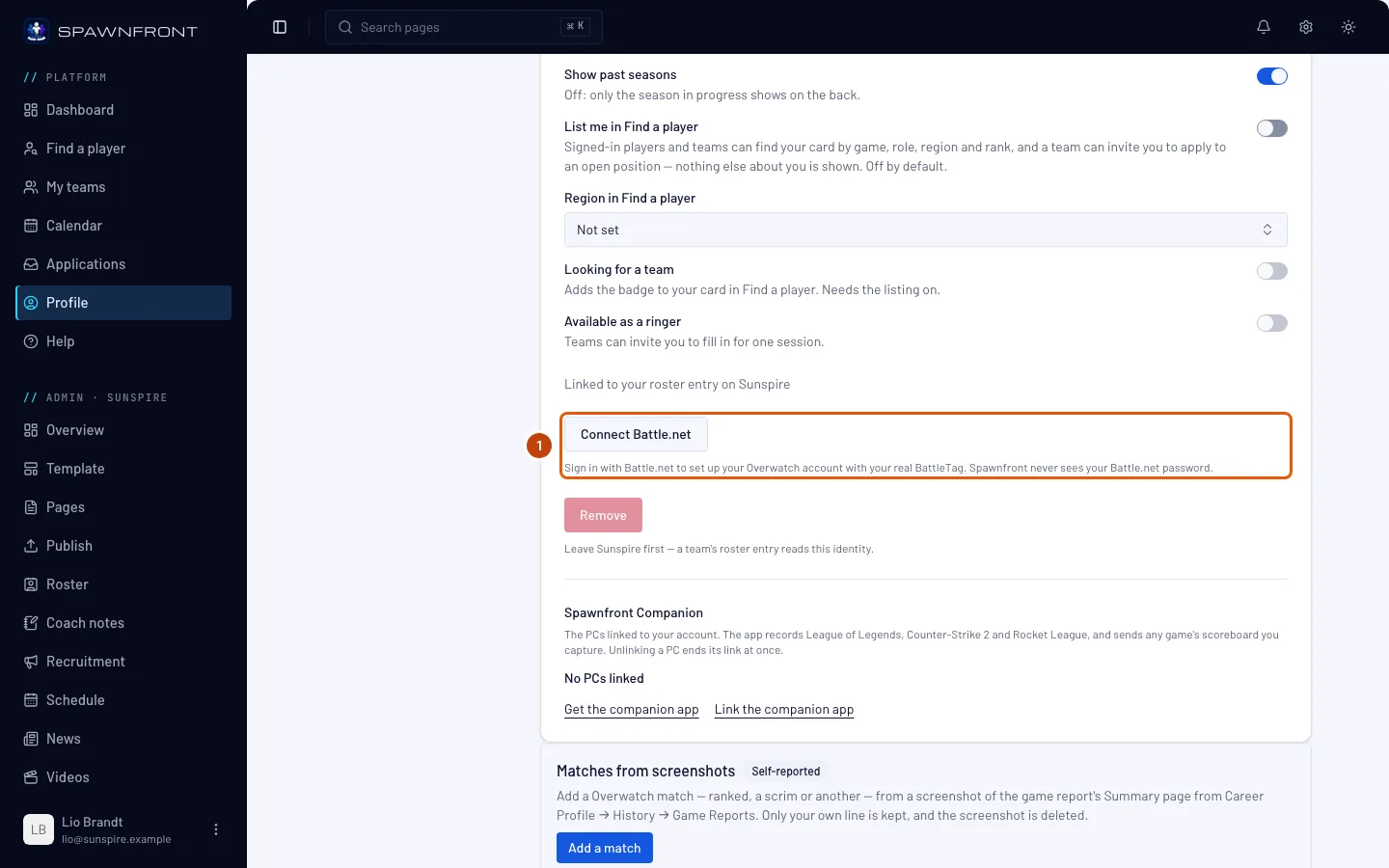
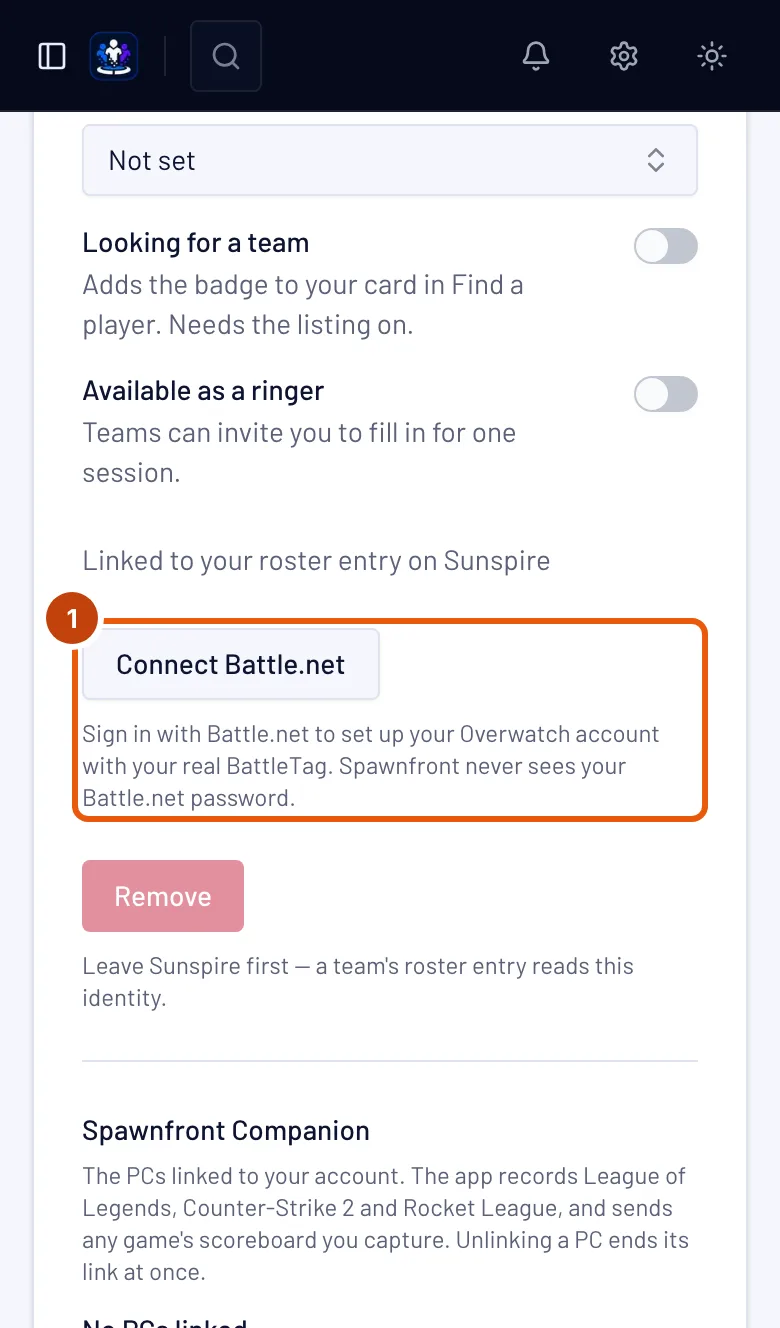
Step 2: Press Connect Battle.net
Press Connect Battle.net.
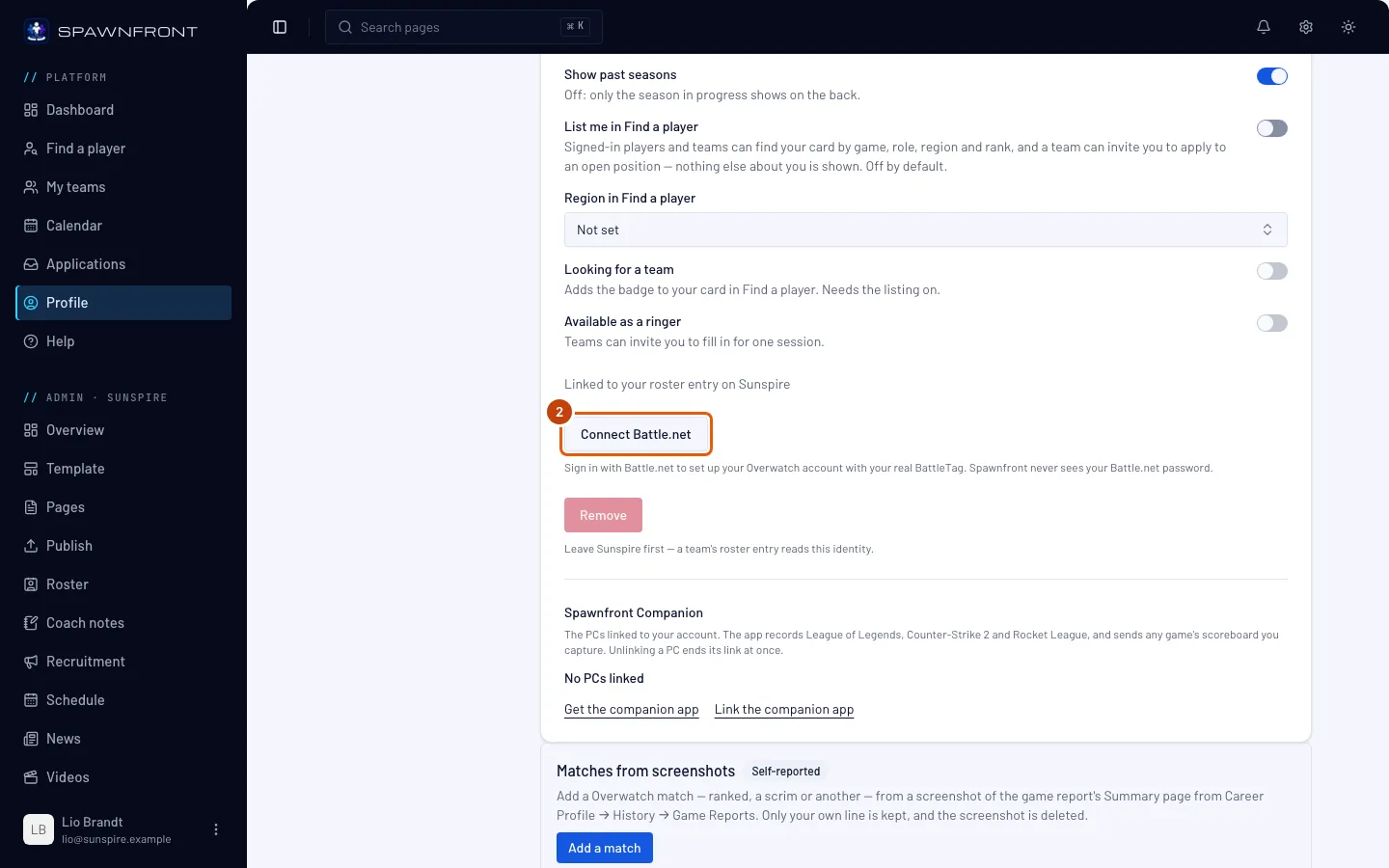
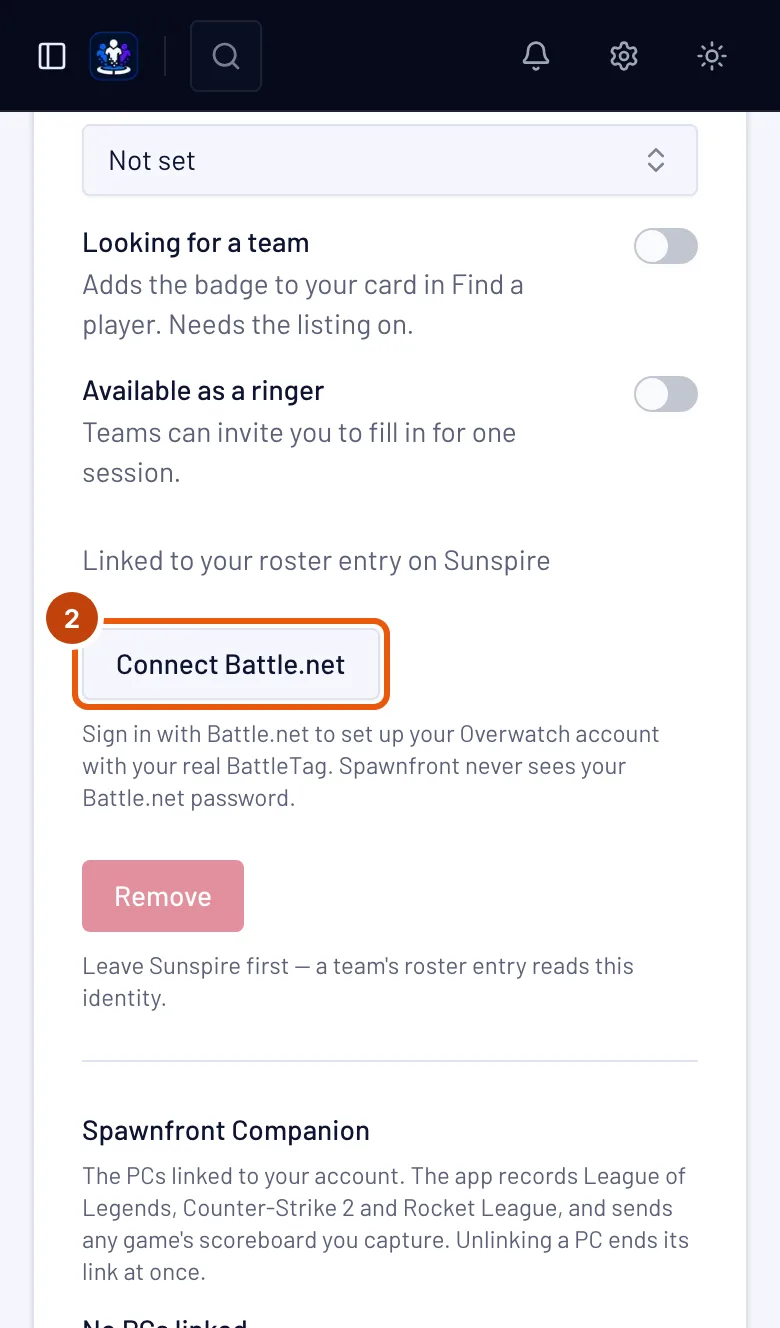
You should see: Blizzard's Battle.net sign-in page.
Step 3: Sign in at Battle.net and allow Spawnfront
Sign in with your Battle.net account, then allow Spawnfront to see your account. Spawnfront asks for your BattleTag and nothing else.
You should see: Battle.net sends you back to Spawnfront.
Step 4: Check your Overwatch card
Back on the Overwatch tab, read the message and the card.
Your BattleTag now comes from Battle.net: it replaces the one you typed, and you can no longer edit it here. Your roles, heroes and career link stay as they were.
You should see: "Battle.net connected — your Overwatch account is set up.", Connected with Battle.net on the card, and your BattleTag in BattleTag marked Verified with Battle.net.
Step 5: Check your stats are on their way
Your BattleTag now counts as verified on every team you play for, so no team needs to press Verify — and no team can unverify it. Your stats are read from your career link: if you haven't added it, add it now — see Add your Overwatch career link.
You should see: the box under the form reads Stats update daily when one of your teams has a site, or Stats update weekly otherwise — also when you're on no team yet. With no career link it reads Add a career link to show stats.
Something doesn't look right?
Spawnfront Companion opened a page that says Connect Battle.net
That page is the same sign-in, started from the app. Sign in to Spawnfront if it asks, press Continue to Battle.net, and follow steps 3 to 5. When you're done, the page tells you to go back to Spawnfront Companion.
I renamed my BattleTag
Press Connect Battle.net again on the Overwatch card. Your new BattleTag replaces the old one and is verified with Battle.net on every team, like the old one.
It says "That Battle.net account is connected to another Spawnfront account"
One Battle.net account sets up one Spawnfront account. If the other account is yours, delete its Overwatch card there first; otherwise contact support.
The message says Battle.net answered a BattleTag Spawnfront can't use
Your BattleTag has a character Spawnfront's BattleTag rule doesn't accept, so nothing was saved. Type your BattleTag on the Overwatch card instead — see Add your game identity.
It says "That attempt expired"
You took more than ten minutes on Battle.net's page, or used the back button. Press Connect Battle.net again.
I don't see Connect Battle.net
It shows only on the Overwatch tab. If it's missing there, connecting Battle.net isn't available yet — type your BattleTag instead.
Related articles
Still stuck? Contact support or email support@spawnfront.com — tell us the page you're on and the step number.