
Where checkout happens
Payment, shipping, returns and refunds are Fourthwall's; Spawnfront never sees your card or your address.
For anyone buying from a team · 5 steps
What you need first
- You have something in the cart of a team's store — see Buy from a team's store.
- A team's shop runs on Fourthwall. Fourthwall sells, ships and supports the team's merch: payment, shipping, returns and refunds are all Fourthwall's.
Steps
Step 1: Read the cart's summary
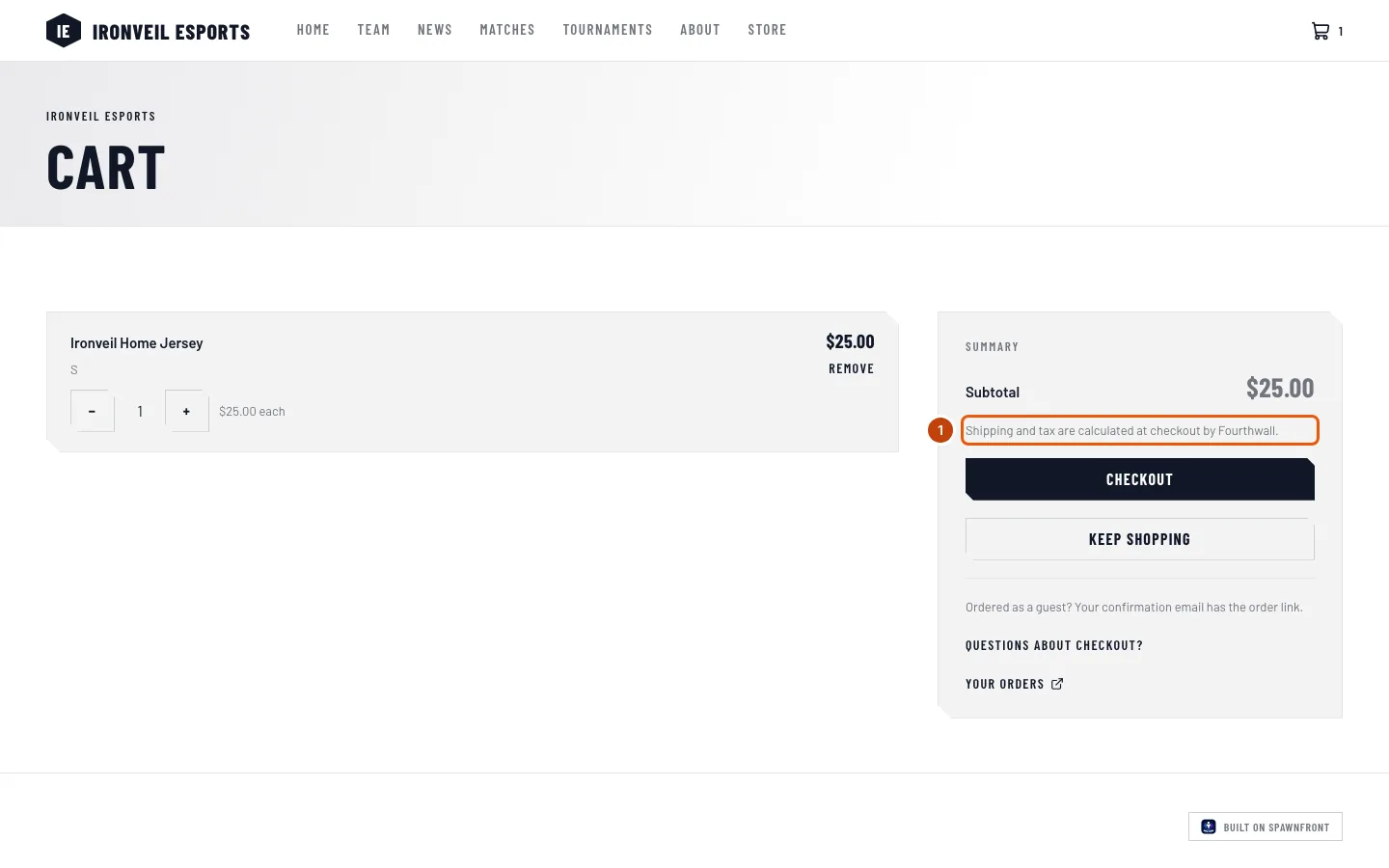
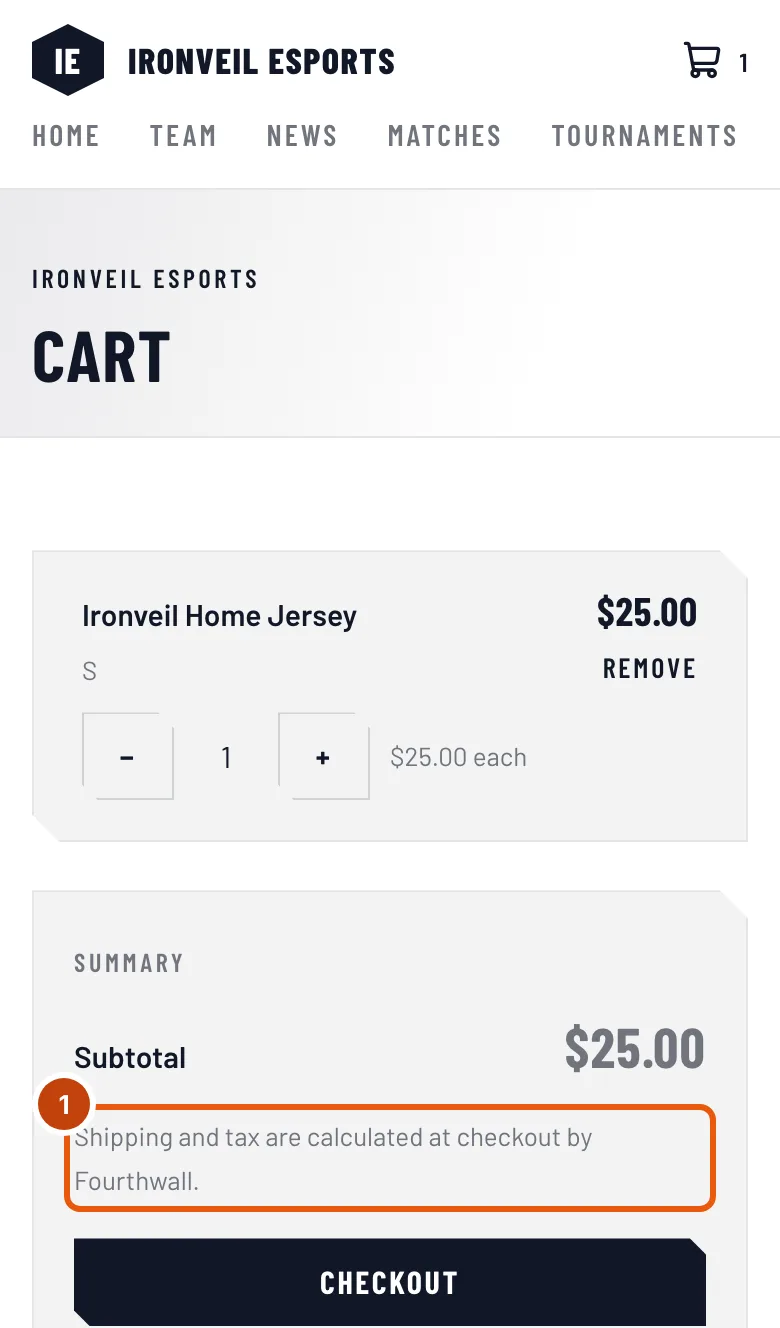
In the cart, look at the summary beside your items.
You should see: the Subtotal of your items, and "Shipping and tax are calculated at checkout by Fourthwall." Shipping and tax are added on Fourthwall, not here.
Step 2: Press Checkout
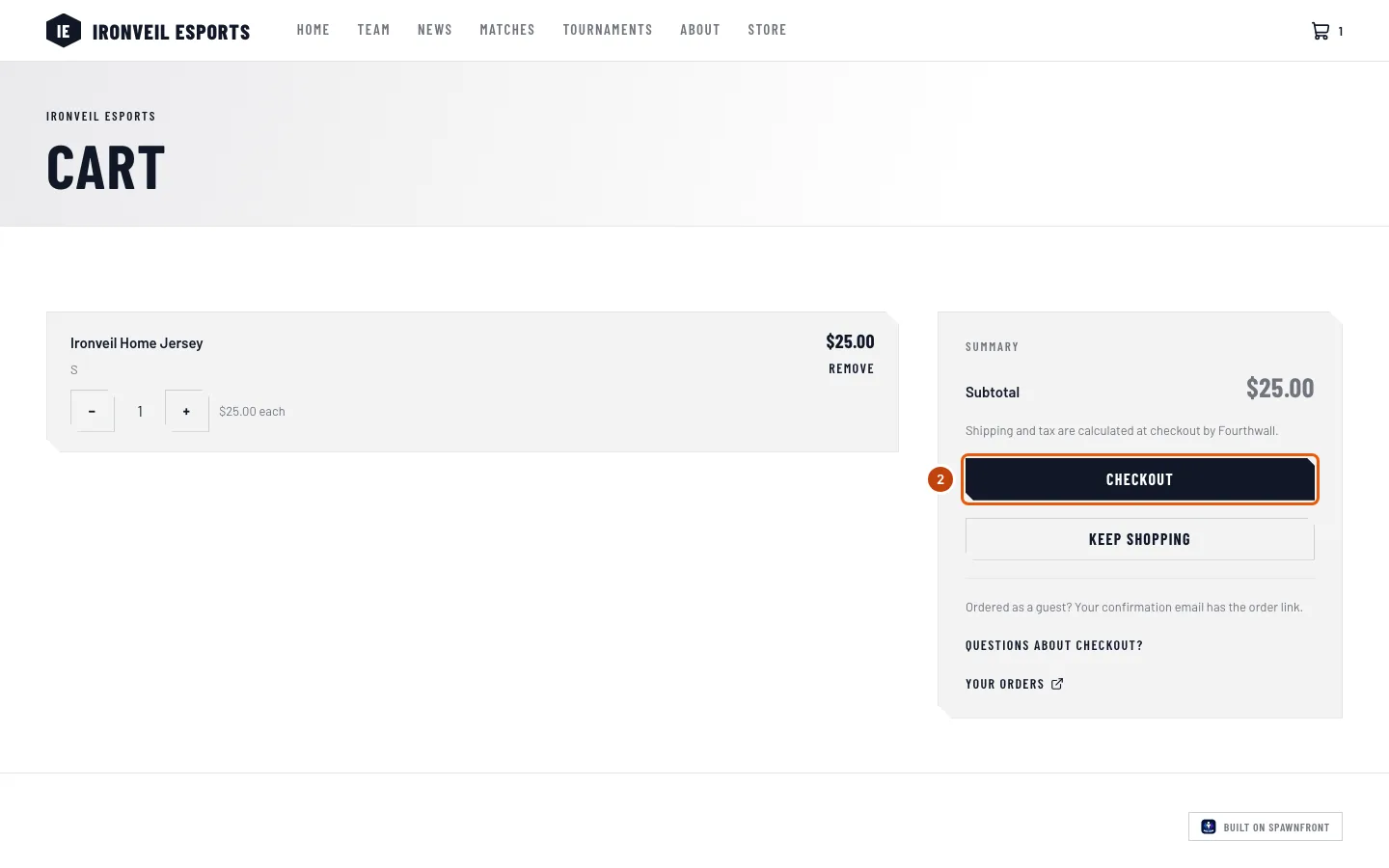
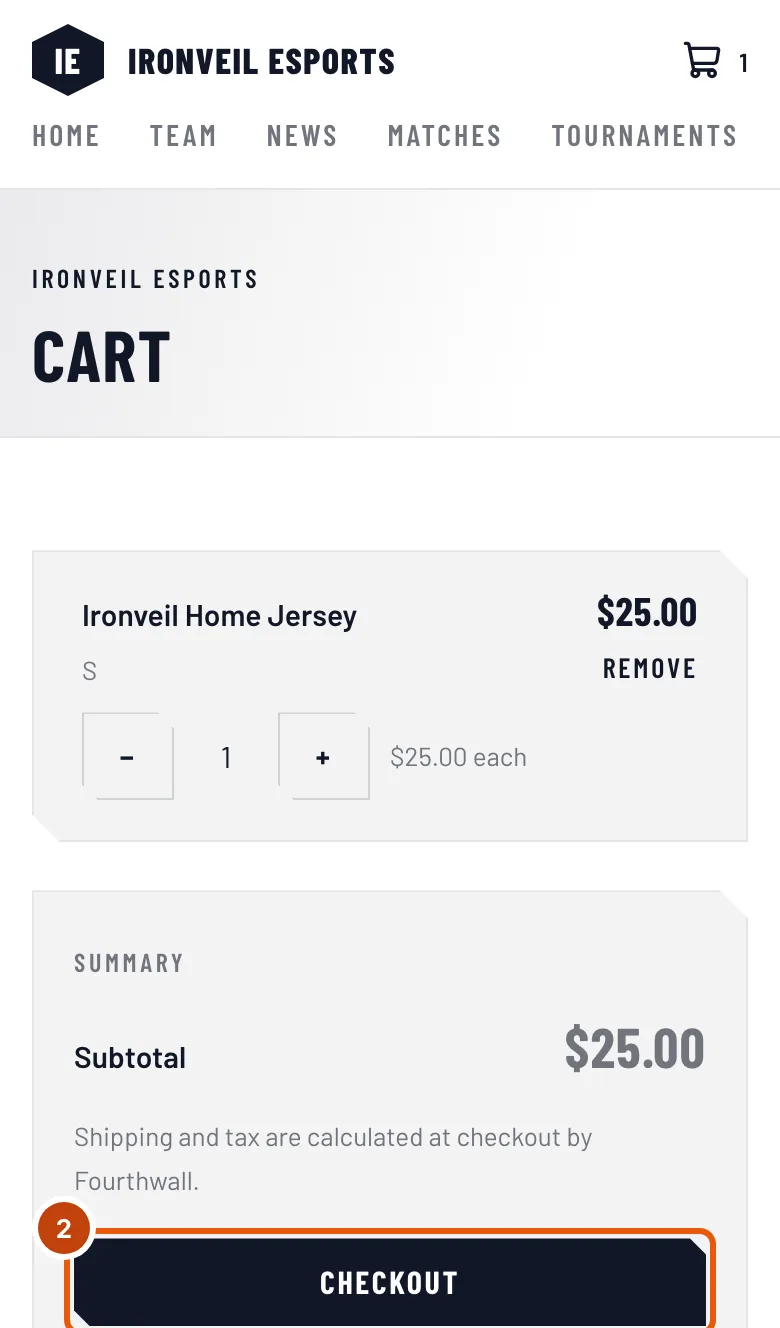
Press Checkout.
You should see: Fourthwall's checkout for the team's shop, in the same tab. Its address is the team's shop on Fourthwall — usually ending in fourthwall.com, or the team's own shop address — not the team's site.
Step 3: Pay and give your address on Fourthwall
Enter your shipping address and your payment on Fourthwall's page, and place the order there. If you need help with Fourthwall's checkout, see Fourthwall's help center.
Spawnfront never sees your card details or your address. They go to Fourthwall only. For each order, Spawnfront keeps its number, its status, its total and dates, which team sold it, and a one-way code made from your email — enough to match the order to an account with the same email, not your email itself.
You should see: Fourthwall's confirmation page.
Step 4: Keep Fourthwall's confirmation email
Fourthwall emails you a confirmation for the order.
That email is where your order lives. It has the link to your order, where you follow its tracking and reach the shop's support — even if you have no Spawnfront account.
You should see: Fourthwall's confirmation email for your order, with its order number.
Step 5: Come back to the team's store
Open the team's store again, in the same browser you checked out in.
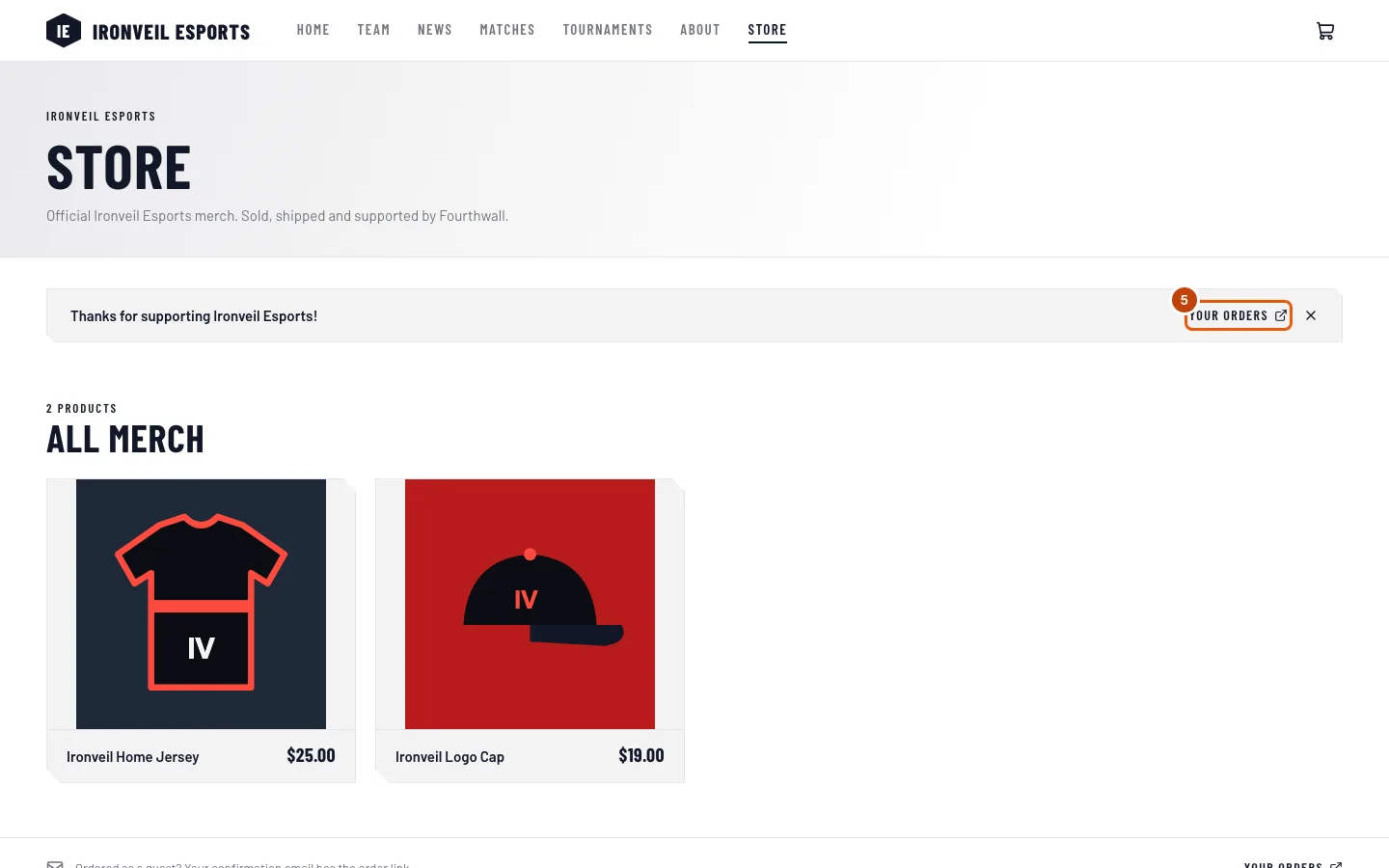
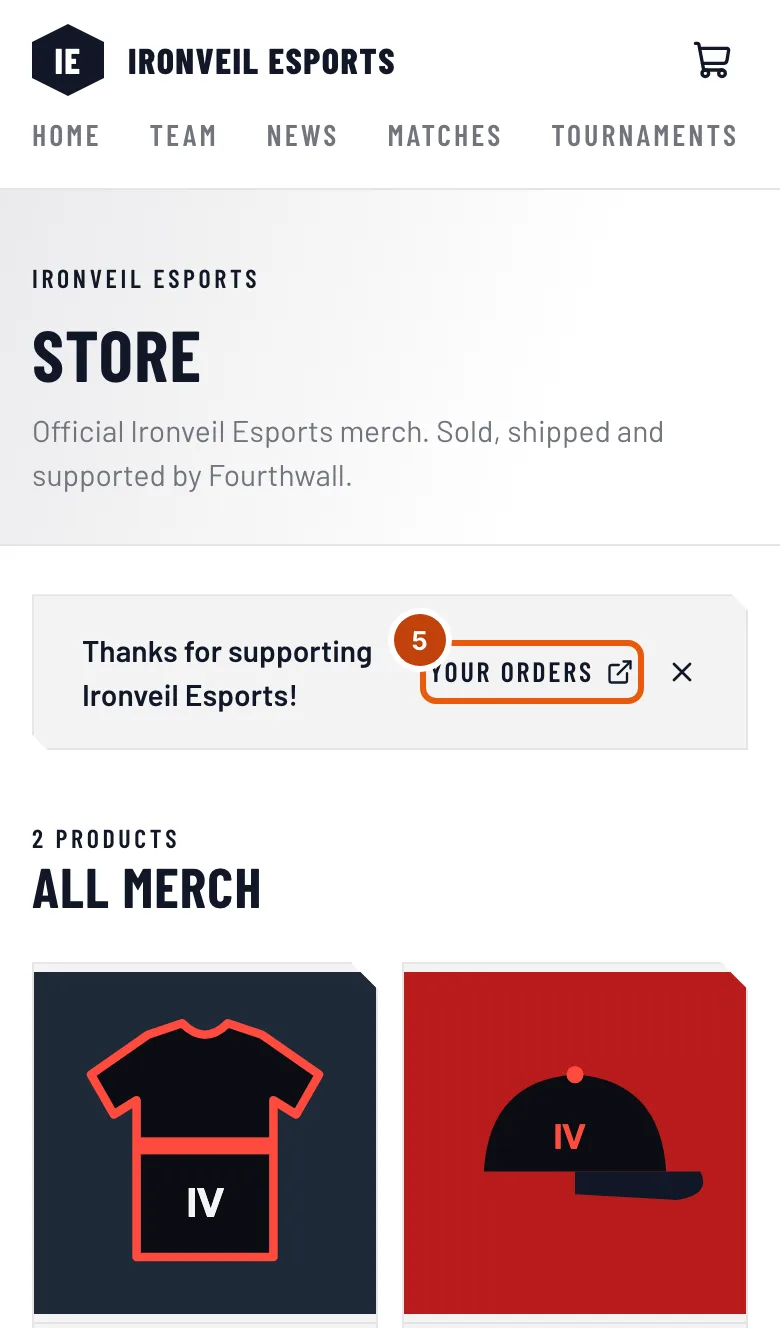
You should see: Thanks for supporting the team, with Your orders — the first time you open the team's store or cart again in that browser; it shows once. Press it to see your orders on Spawnfront, if you have an account under the same email.
How to know it worked
- You have Fourthwall's confirmation email, with your order number.
- With a Spawnfront account under the same email, the order is in your order history — see See your order history.
Something doesn't look right?
I need a refund, a return or a change to my shipping
Fourthwall handles them. Open the order from the link in Fourthwall's confirmation email and contact the shop's support from there. A product's page on the team's site can also link the shop's Shop policies.
My order hasn't arrived
Tracking is in Fourthwall's confirmation email and at the shop — Spawnfront shows only the order's status. Follow the link in that email.
I want to ask the team something about its merch
Look for a Contact section on the team's About page. Not every team adds one; for anything about an order, the shop's support on Fourthwall is the way in.
I left checkout without paying
Nothing was charged. Your cart is still in this browser while the shop keeps it: open the team's cart and press Checkout again. If you come back later and the store thanks you although you didn't pay, the shop has dropped that cart — nothing was charged; add the items again.
Related articles
Still stuck? Contact support or email support@spawnfront.com — tell us the page you're on and the step number.