
Delete your account
Close your account for good: hand over any team or organization you own, then confirm with your password.
For everyone · 3 steps
What you need first
- You are logged in, and you know your password. Forgotten it? Reset it first.
- Deleting your account can't be undone. Your team memberships end, your applications to teams are deleted, and your personal information is deleted — your photos too: your profile photo and every photo you set for a team come off every roster.
- If you own a team or an organization, you hand it over or delete it first (step 1).
Steps
Step 1: Hand over or delete any team or organization you own
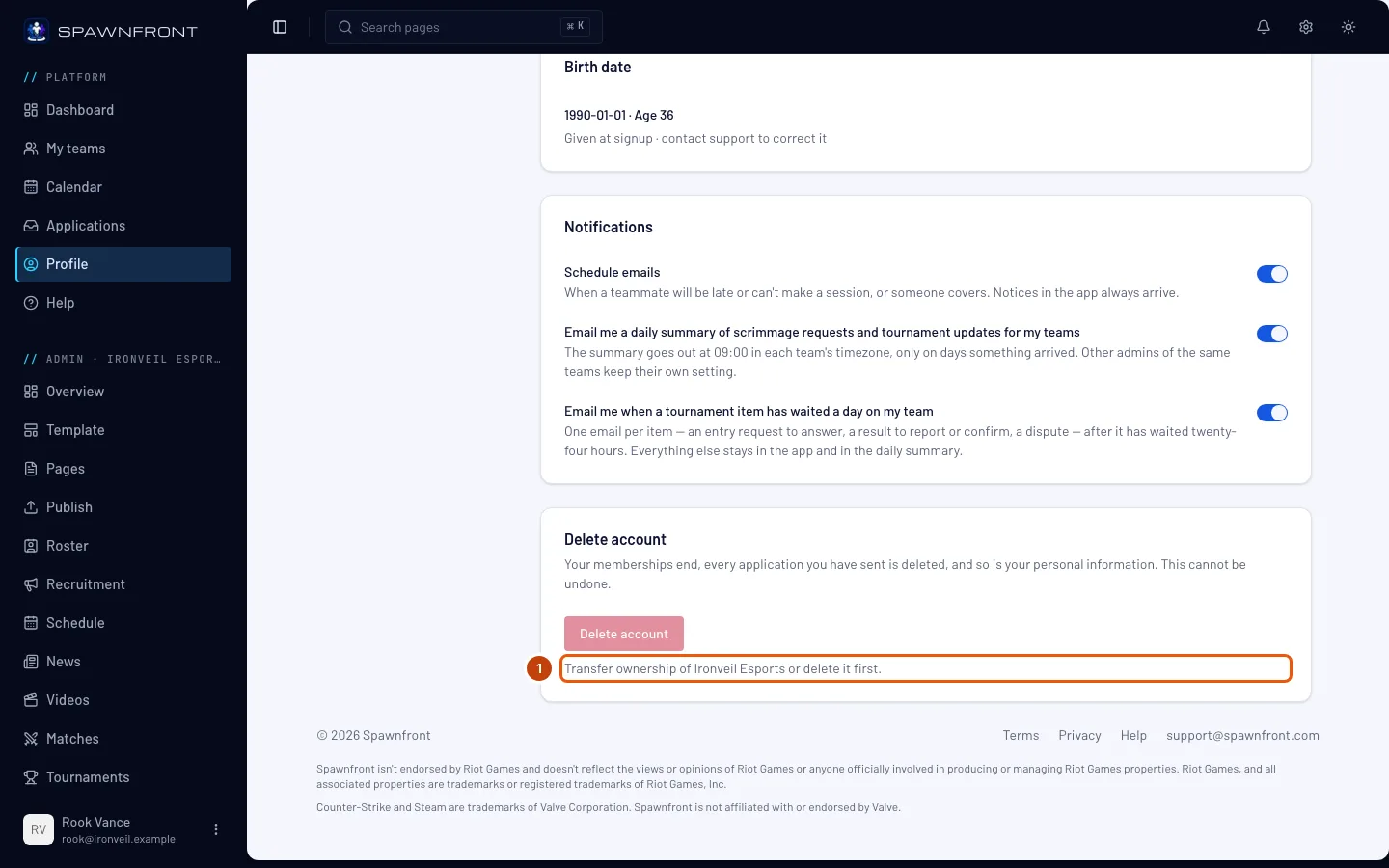
If you own a team, the Delete account button is grayed out, and the line under it names one team you own: "Transfer ownership of … or delete it first." Open that team's admin, press Members, and use Transfer ownership on another member. A free team you no longer want can be deleted instead, with Delete team at the bottom of its Settings.
If you own an organization, the line names it the same way. Open the organization, go to its Admins page, and press Make owner on an admin's row. No admin yet? Add one there first.
Don't own a team or an organization? Skip this step.
Own more than one? Do this for each — the line names the next one until none is left.
You should see: the line under Delete account gone, and the button red again.
Step 2: Open Delete account
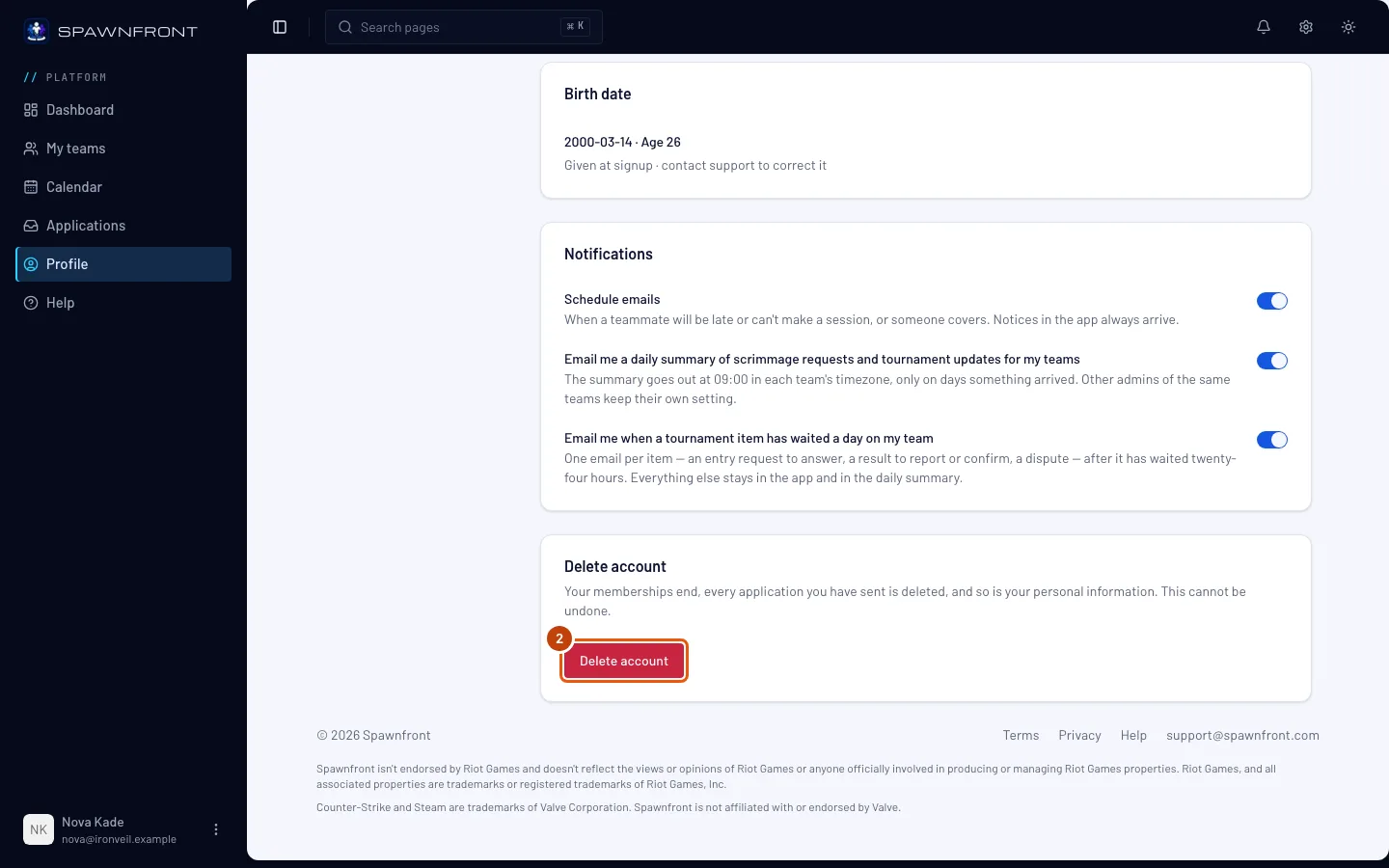
In the menu on the left, press Profile. In the Account section, scroll to the Delete account card and press Delete account.
You should see: a box asking Delete your account?
Step 3: Confirm with your password
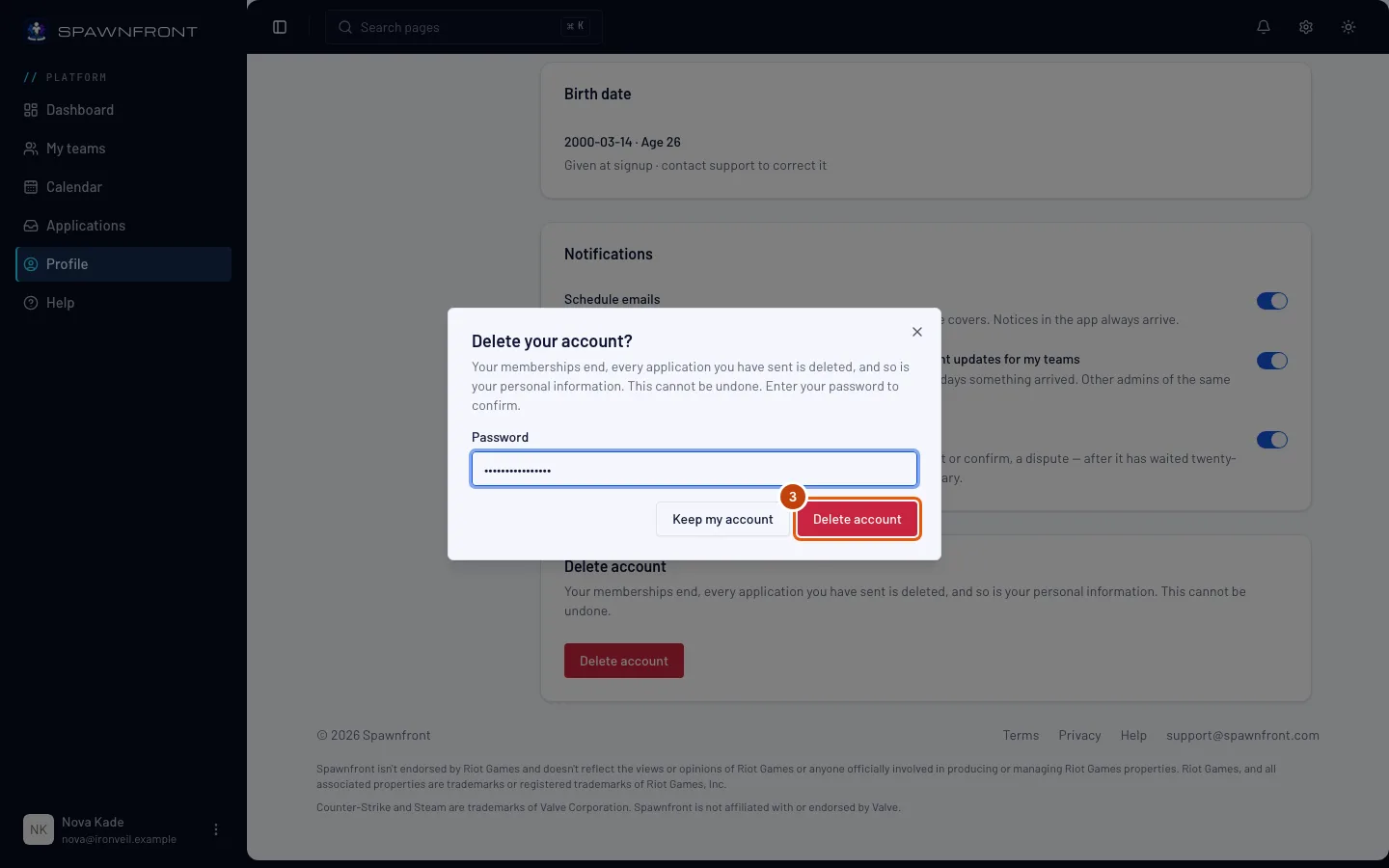
Type your password in Password, then press Delete account in the box. Changed your mind? Press Keep my account.
This is the step that deletes your account, at once.
You should see: the login page. Your account is gone, and you are logged out everywhere.
How to know it worked
- Logging in with your old email and password says Invalid credentials.
Something doesn't look right?
Delete account is grayed out
You own a team or an organization. Transfer it to another member or admin, or delete it if it's a free team (step 1), then come back.
It says "Password is incorrect"
Type the password you log in with. After too many wrong tries you have to wait before trying again — reset your password if you're unsure.
Does my photo stay on my team's site?
No. Your photos are deleted with your account and come off every team's roster — on a team's public site within a minute, without the team publishing again. A photo a team set of you is the team's own, and stays until the team removes it.
What happens to things I bought from a team?
Orders are kept by the shop you bought from (Fourthwall), not by your Spawnfront account. Contact the team's shop about an order.
Related articles
Still stuck? Contact support or email support@spawnfront.com — tell us the page you're on and the step number.